
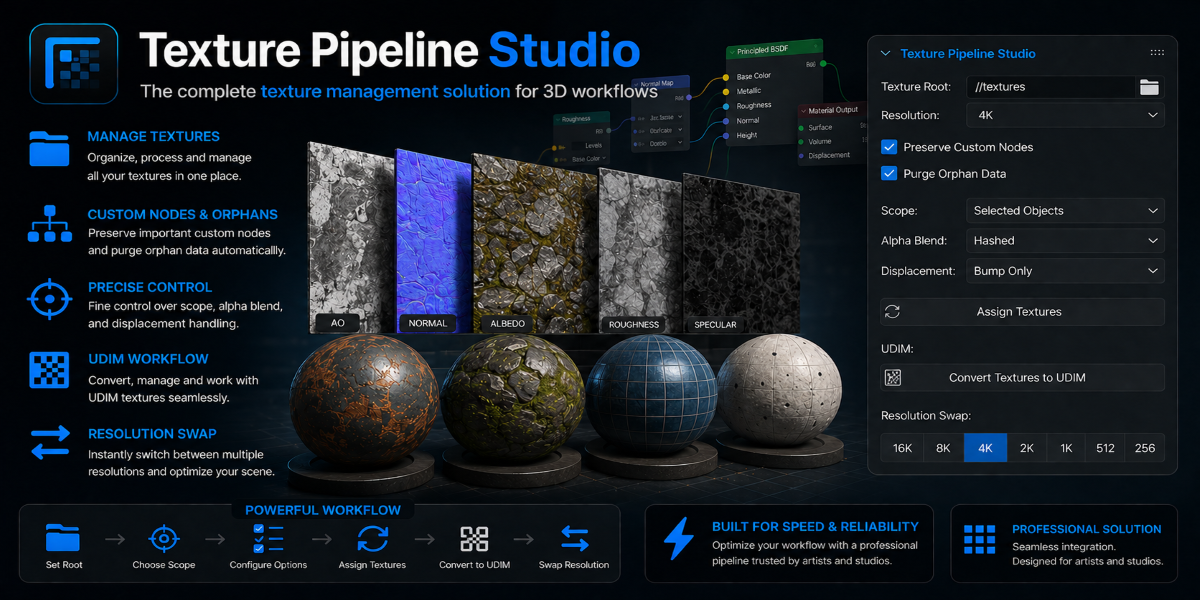
The production problem
- Pain
Four resolutions, manual wiring
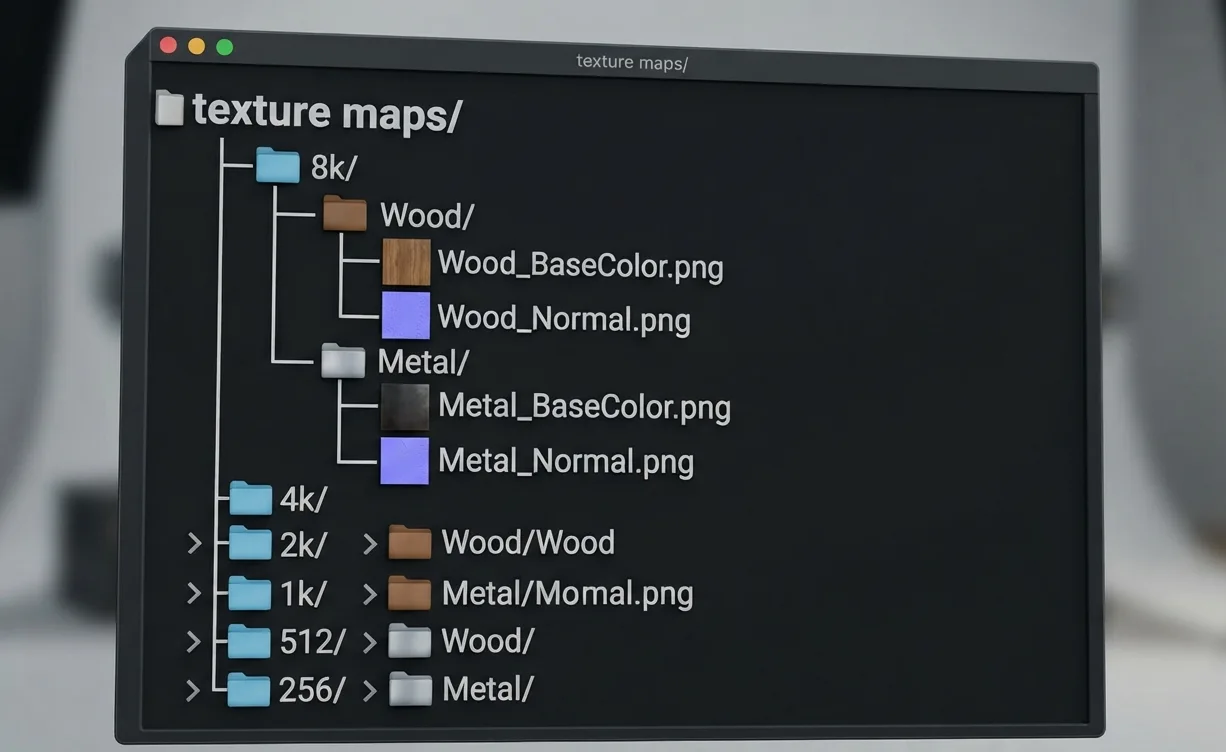
Libraries shipped as 16K / 8K / 4K / 2K / 1K folders. Every material meant dropping maps into Blender and wiring six sockets by hand.
- Pain
LOD swaps rebuilt everything
Switching resolution meant re-wiring the whole node tree — so nobody did it, and 16K maps shipped on background props.
- Pain
Naming was never consistent
BaseColor, Albedo, col, dif — different vendors, different conventions, one broken importer.
- Result
Hours per material, multiplied
The task wasn't hard, it was repetitive and error-prone — exactly the shape of problem worth writing an add-on for.
Workflow before and after
 Before — manualAfter — one click
Same library, same material — the add-on resolves the folder, picks the maps and builds the shader.
How it works
The add-on walks a resolution-rooted folder structure, parses filenames against a set of known naming conventions, and maps each recognised map to the correct BSDF socket. Unrecognised files are ignored rather than guessed at, which is what makes it safe on third-party libraries.
LOD switching re-points existing image nodes instead of rebuilding them. Node layout, custom values and any downstream links survive the swap, so an artist can audition 1K on a background prop without touching the graph.
In Blender
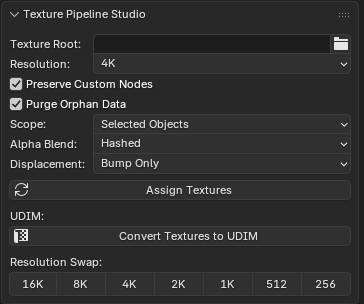
How the tool helps an artist — a real case
- Case
Set dressing 60 props before a deadline
A dressing pass needed 60 props textured across two days. Drop the library folder in, assign, switch each prop to 1K where it sits far from camera.
- Before
~4 minutes per material
Find files, import, wire sockets, check the normal map direction, repeat. Roughly four hours of the day gone.
- After
~20 seconds per material
Assign from folder, done. The same pass finished before lunch, and the artist spent the afternoon on placement instead of wiring.
- Underneath
No scene bloat
Re-pointing image nodes rather than duplicating them keeps file size flat — switching resolutions never grows the .blend.